
Registration issues
Use this guide when viewers cannot register, the form does not behave as expected, or confirmation and reminder emails are not arriving.
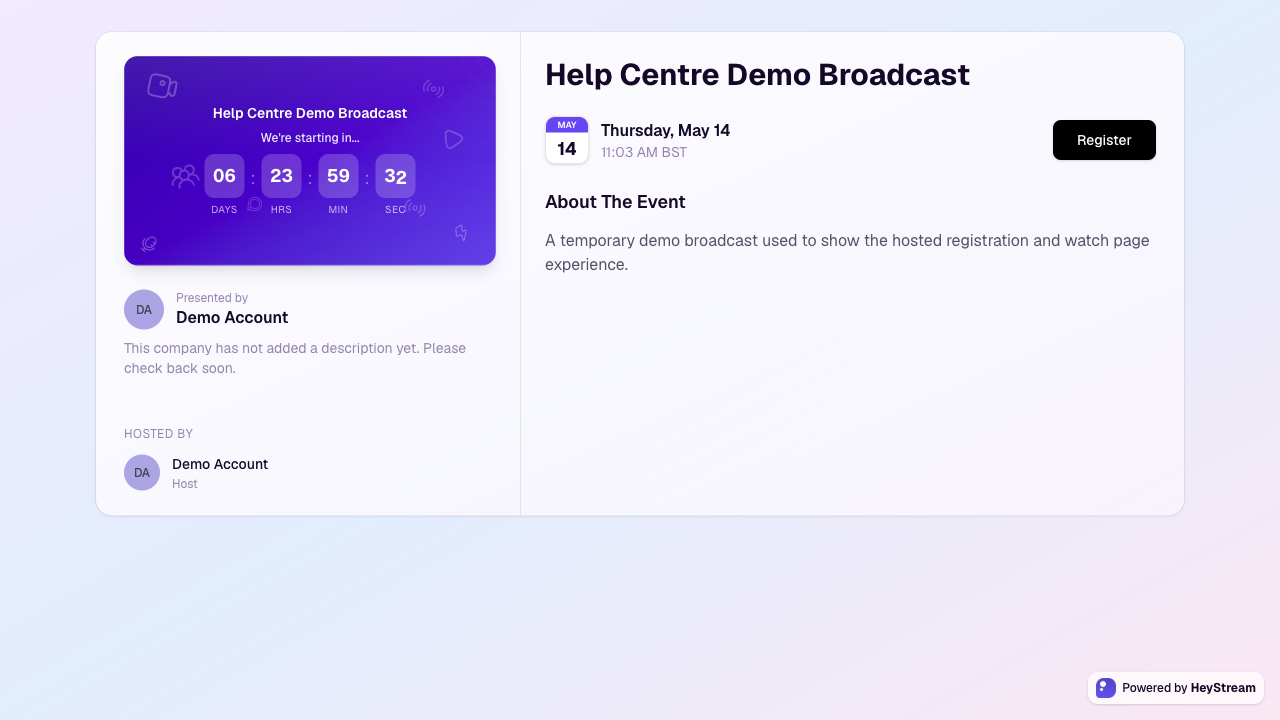
Registration page is missing or wrong
Open the broadcast in HeyStream and confirm that the broadcast still exists and is scheduled correctly.
Use the current registration link from the broadcast, especially if the event was duplicated or recreated.
If the broadcast is in a series, confirm the viewer is registering for the intended session or series page.
For embedded widgets, replace old embed code if the broadcast or widget configuration changed.
Viewer cannot submit the form
Ask the viewer to complete every required field and required custom question.
Check whether a required custom question has unclear options or an option that no longer applies.
Ask the viewer to try again in a current browser with browser extensions disabled.
If the viewer is on a mobile browser, ask them to try again after refreshing the page or switching to another browser.
If multiple viewers report the same form problem, review recent changes to registration questions, hidden fields, widgets, or required fields.
Confirmation email did not arrive
Ask the viewer to check spam, promotions, focused inbox, and company filtering.
Confirm the email address on the registration record is spelled correctly.
Check that transactional lifecycle emails are enabled for the broadcast or workspace.
If the viewer used a work email with strict filtering, ask them to add HeyStream sender addresses to their safe sender list.
Duplicate or changed registrations
If a viewer registered with the wrong email address, ask them to register again with the correct email address.
Use the audience CRM to confirm which email address owns the registration and activity history.
If custom answers need to change, review the contact registration response before making follow-up decisions outside HeyStream.
Embedded registration widget issues
Confirm the website is using the latest embed code from HeyStream.
Check that the website is not blocking HeyStream scripts, iframes, or third-party embeds.
Test the hosted registration page directly. If the hosted page works but the widget does not, the issue is usually on the website embed environment.