
Q&A
Q&A keeps audience questions separate from live chat so hosts can review, prioritize, answer, and promote the best questions during a broadcast.
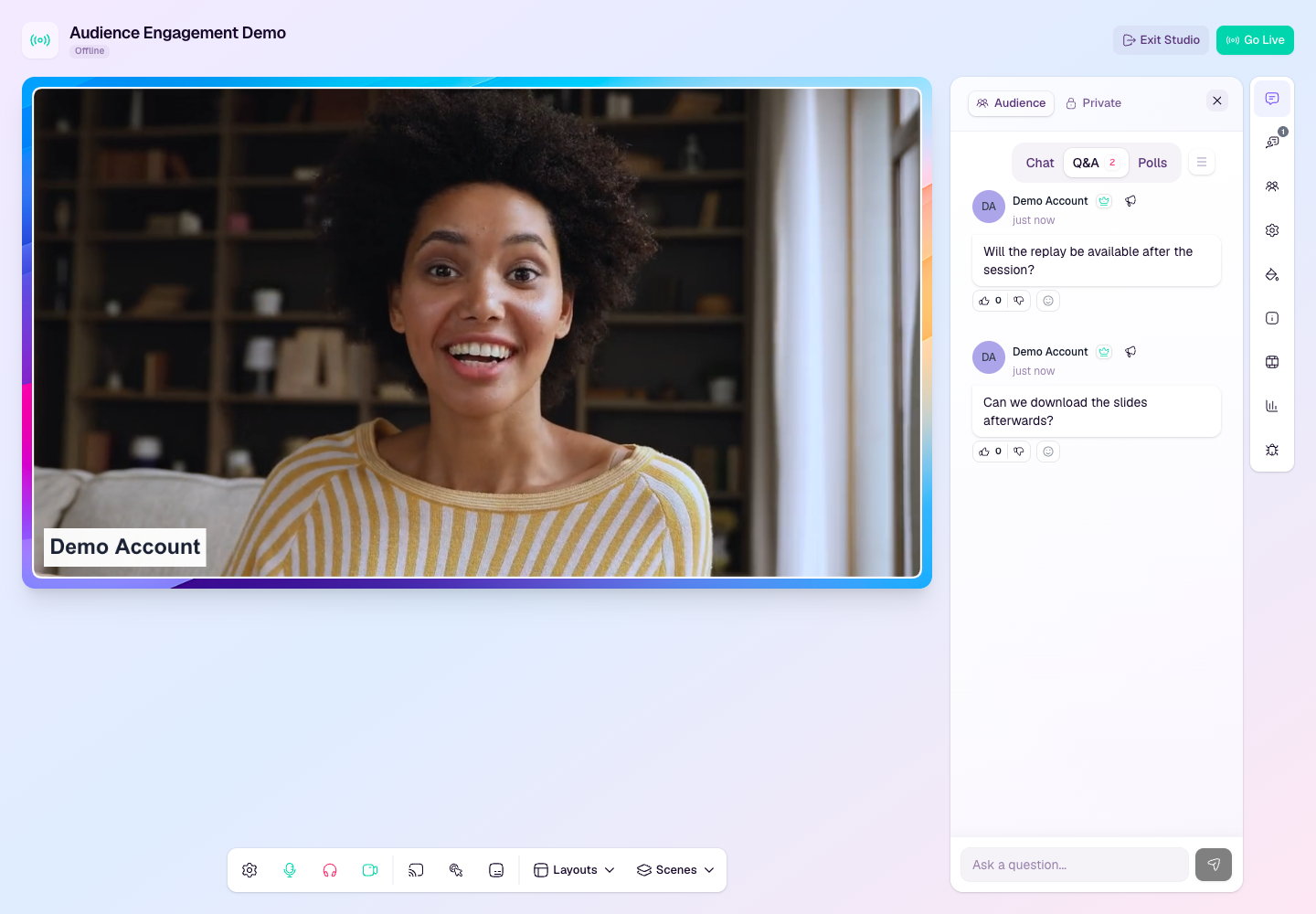
How attendees ask questions
Attendees can open Q&A from the watch page engagement panel.
When pre-submitted questions are enabled, attendees can also ask questions before the broadcast starts.
Questions stay attached to the broadcast room so hosts can review them from the studio.
Manage questions in the studio
Open the Audience panel from the studio side rail.
Select Q&A from the engagement tabs.
Review new questions as they arrive.
Mark questions as answered when they have been covered live.
Promote a useful question to the stream when viewers should see what is being answered.
Use voting and approval
Voting helps surface the questions the audience cares about most.
If Q&A approval is enabled for the workspace or attendee session, review and approve questions before they appear publicly.
Use approval for larger or more sensitive broadcasts where questions should be screened first.
Use open Q&A for smaller sessions where speed and participation matter more than pre-moderation.
Best practices
Tell attendees when to use Q&A instead of chat.
Have one person moderate questions while another hosts or presents.
Answer high-value questions live, then mark them as answered so the queue stays clear.
Save unanswered questions for follow-up if the broadcast runs out of time.