
Question library
Use the question library to create reusable registration questions for your workspace. Reusable questions keep your forms consistent and make it easier to compare answers across broadcasts.
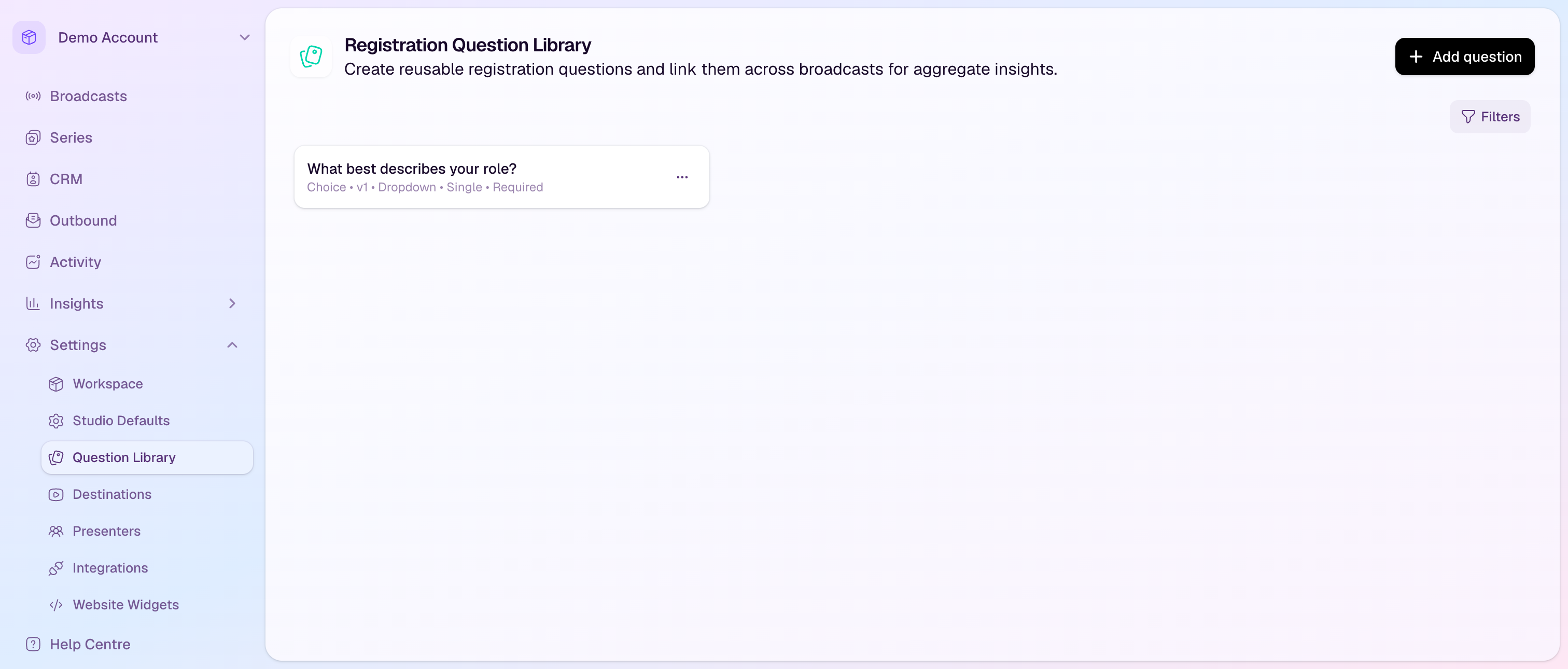
Create a reusable question
Go to Settings, then Question Library.
Select Add question.
Enter the question label attendees will see.
Choose the question type: Text Input, Text Area, Checkbox, or Choice.
For choice questions, add the available answers and choose whether attendees can select one or multiple options.
Choose whether the question should be required by default, then create the question.
Use questions in broadcasts and series
When editing a broadcast or series registration form, add a question from the library instead of recreating it manually.
Required settings can be adjusted at the broadcast level when a specific event needs different behavior.
Linked reusable questions help keep response data consistent for reporting, segmentation, and follow-up.
Managing existing questions
Edit a library question when the wording or options need to change for future use.
Question versions help distinguish updated definitions from older ones already used by broadcasts.
Archive a question when you no longer want it selected in new broadcasts. Existing linked broadcast questions keep working.