
Manage workspaces
Workspaces keep broadcasts, contacts, files, settings, integrations, and insights separated. Use multiple workspaces when you manage different brands, products, teams, or live-event programmes from one HeyStream account.
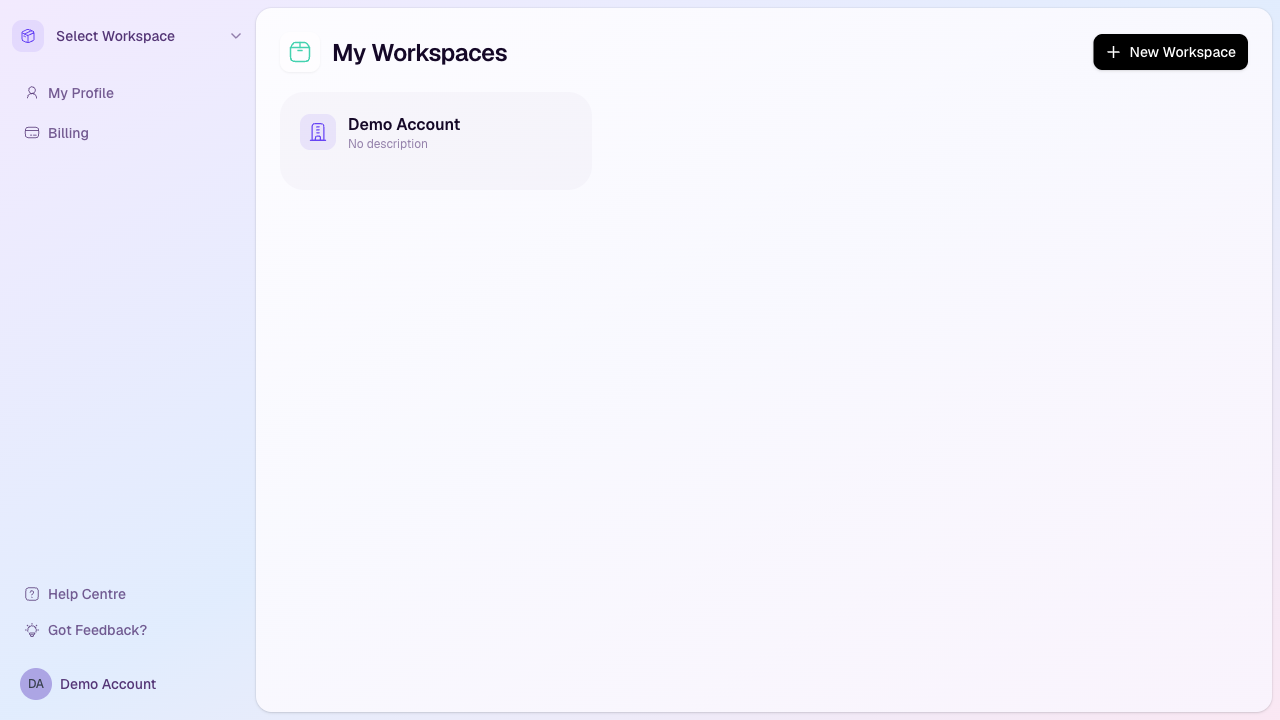
Open your workspace list
Sign in to HeyStream.
Open the workspace switcher or account area from the sidebar.
Select My Workspaces.
Switch to a workspace
Open My Workspaces.
Select the workspace you want to use.
HeyStream opens that workspace so you can manage its broadcasts, CRM, outbound messages, activity, insights, and settings.
Create a new workspace
Open My Workspaces.
Select New Workspace.
Add the workspace name, description, default timezone, and any branding assets you already have ready.
Create the workspace. HeyStream opens the new workspace after it has been created.
Workspace limits
The number of workspaces you can create depends on your plan. Launch includes 1 workspace, Growth includes 3, and Scale includes 10. If you have reached your workspace limit, the new-workspace action may be disabled or show a limit message.
What belongs inside a workspace
Broadcasts and series
Audience CRM contacts and activity
Outbound campaigns and email settings
Workspace branding, registration questions, destinations, integrations, and widgets
Recordings and uploaded files