
Connect ActiveCampaign to HeyStream
Connect ActiveCampaign when you want new registrants and attendees from HeyStream to flow into your ActiveCampaign account for follow-up.
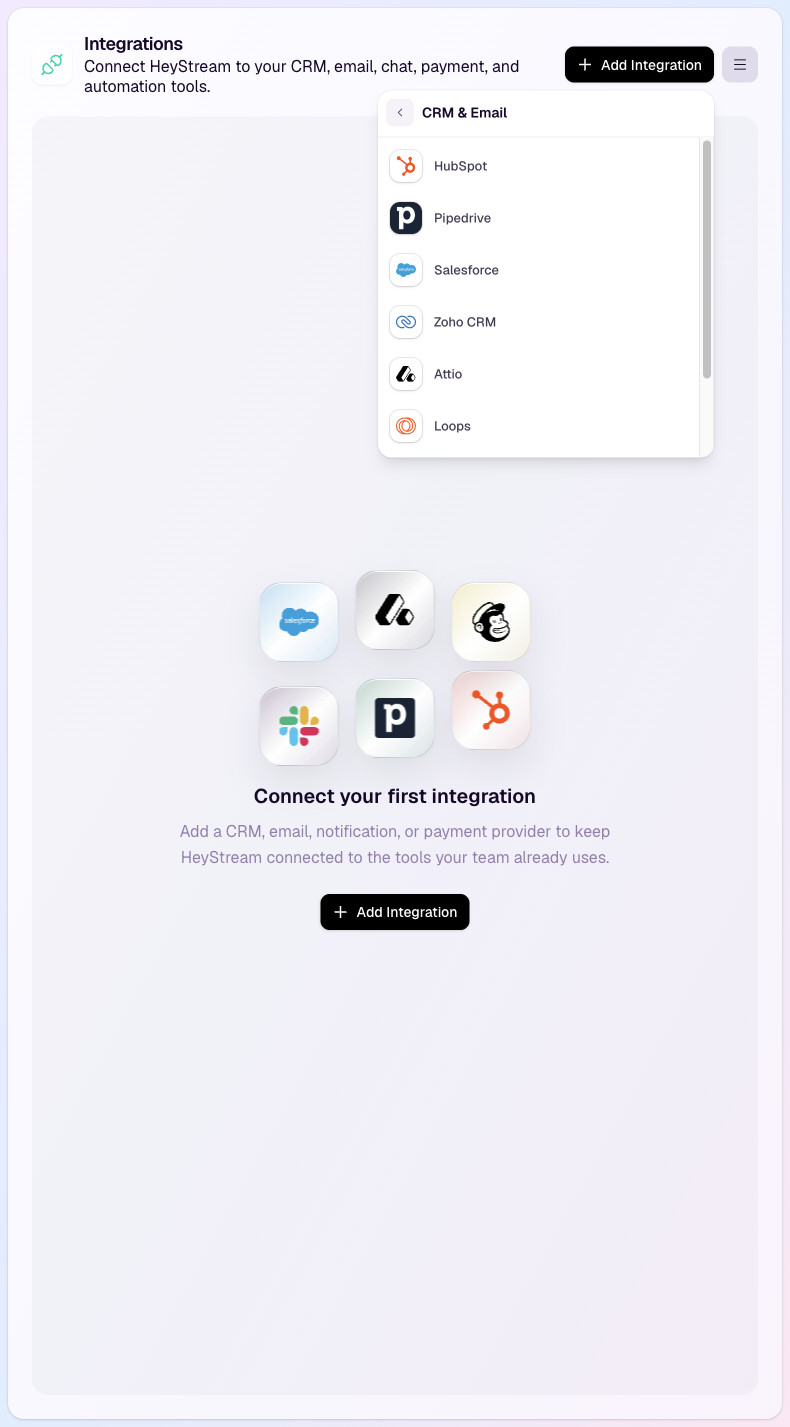
What the integration sends
HeyStream can create or update ActiveCampaign contacts when someone registers for or attends a broadcast.
Depending on your settings, HeyStream can also:
Subscribe synced contacts to an ActiveCampaign list.
Add one or more ActiveCampaign tags.
Send selected registration fields into ActiveCampaign contact fields.
Send broadcast activity through ActiveCampaign Event Tracking.
Before you start
You need an ActiveCampaign account with access to the API URL and API token.
In ActiveCampaign, open Settings > Developer. Copy the API URL and API Key shown there.
If you want HeyStream to send broadcast activity through Event Tracking, also find your Event Tracking account ID and key in ActiveCampaign under Website > Site Tracking.
Connect ActiveCampaign
In HeyStream, open Workspace settings.
Open Integrations.
Choose ActiveCampaign.
Paste your ActiveCampaign API URL.
Paste your ActiveCampaign API Token.
Save the connection.
After the connection is saved, HeyStream validates the ActiveCampaign credentials and loads the lists available in your account.
Choose list, tag, and activity settings
After ActiveCampaign is connected, choose the settings that should apply to synced contacts.
List: optionally subscribe synced contacts to an ActiveCampaign list.
Tags: optionally add one or more tags to each synced contact.
Event Tracking Account ID and Event Tracking Key: optionally send registration and attendance activity into ActiveCampaign Event Tracking.
Leave optional fields blank if you only want HeyStream to create or update contacts.
Map registration fields
If you collect custom registration questions in HeyStream, you can choose which fields should sync to ActiveCampaign.
HeyStream creates matching ActiveCampaign contact fields when needed and writes the selected registration values to the synced contact.
For more detail, see Map registration fields to integrations.
Test the connection
Before relying on the integration for a live broadcast, use the integration test option in HeyStream to confirm the connection can send data to ActiveCampaign.
If a test fails, check that:
The API URL is copied from the same ActiveCampaign account as the API token.
The API URL starts with https:// and does not include extra spaces.
The API token is still active in ActiveCampaign.
Event Tracking details are either both filled in or both left blank.
For more checks, see Test, sync, and troubleshoot integrations.
What happens during a broadcast
When someone registers for or attends a broadcast, HeyStream sends the supported contact and activity data to ActiveCampaign using your saved settings.
The contact is matched by email address. If the contact already exists, HeyStream updates the existing contact instead of creating a duplicate.