
Understanding plans, limits, and trials
HeyStream plans control the amount of live-event capacity available to your account, including workspaces, attendees, broadcast duration, storage, presenters, destinations, and selected production features. You can check your current plan and storage usage from the Billing page.
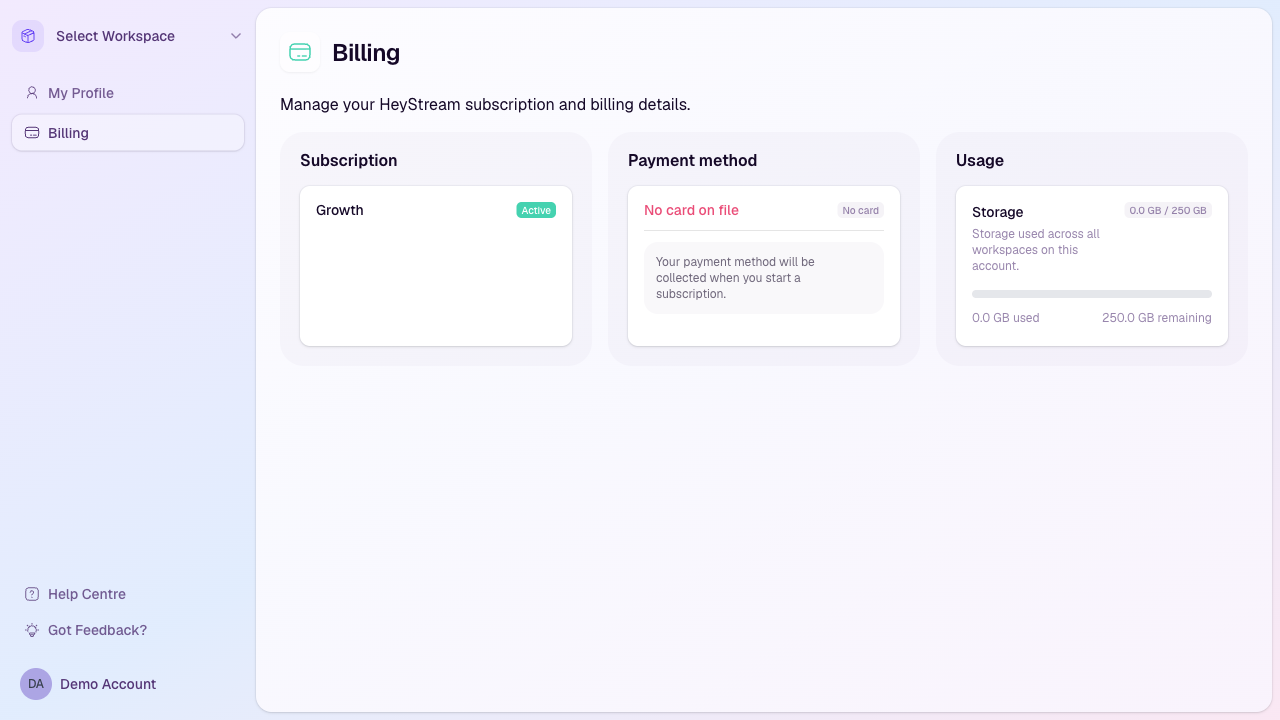
Where to check your plan
Sign in to HeyStream.
Open Billing from the account sidebar.
Review the Subscription card to see your current plan and billing status.
Review the Usage card to see storage used across all workspaces on the account.
How trials work
The workspace owner's account email must be confirmed, their trial must have ended, and their paid plan must be active before you can import contacts, create or use API keys, or send workspace emails. Choosing a paid plan while the trial is still running does not unlock these actions. If an action is blocked, follow Confirm email, View trial, or View billing as shown in HeyStream. If you are a teammate, ask the workspace owner to confirm the owner's email address or resolve the account's billing status.
New HeyStream plans can start with a 7-day free trial. During a trial, your account uses the plan you selected, subject to the trial restrictions below.
Contact imports are not available on trial accounts. CSV imports can add and message large audience lists, so HeyStream makes this available on paid plans only as part of its anti-spam and account security controls.
If your account needs a payment method before the trial ends, the Billing page will show that in the Payment method card.
Main plan limits
The current public plans are Launch, Growth, and Scale. The main operational limits are:
Workspaces: Launch includes 1 workspace, Growth includes 3, and Scale includes 10.
Live attendees per broadcast: Launch supports 100, Growth supports 500, and Scale supports 2,000.
Broadcast length: Launch supports broadcasts up to 2 hours, Growth up to 4 hours, and Scale up to 8 hours.
Storage: Launch includes 50 GB, Growth includes 250 GB, and Scale includes 1 TB for recordings and uploaded files.
On-screen presenters: Launch supports 4, Growth supports 8, and Scale supports 12 presenters on screen at the same time.
Additional streaming destinations: Launch includes 0, Growth includes 3, and Scale includes 8 extra destinations beyond the HeyStream watch page.
Feature differences to know
Launch is designed for polished browser-based broadcasts with branded registration and watch pages, CTAs, engagement tools, audience CRM, and core insights.
Growth adds cloud-powered streaming, reusable CTA libraries, CRM and email integrations, outbound automations, attendee requests, and more workspace capacity.
Scale adds more headroom for larger programmes, including more live attendees, concurrent broadcasts, destinations, presenters, storage, and unlimited broadcast series.
What happens when you reach a limit
When a plan limit applies, HeyStream will either disable the action, show an upgrade or limit message, or prevent the change from being saved. This helps avoid setting up a broadcast that cannot run on the current plan.
Next step
After you understand your plan, check your workspace settings and billing details so your account is ready before you share a registration page.