
Connect Slack notifications
Connect Slack when you want your team to receive registration, attendance, and post-broadcast summary updates in a Slack channel.
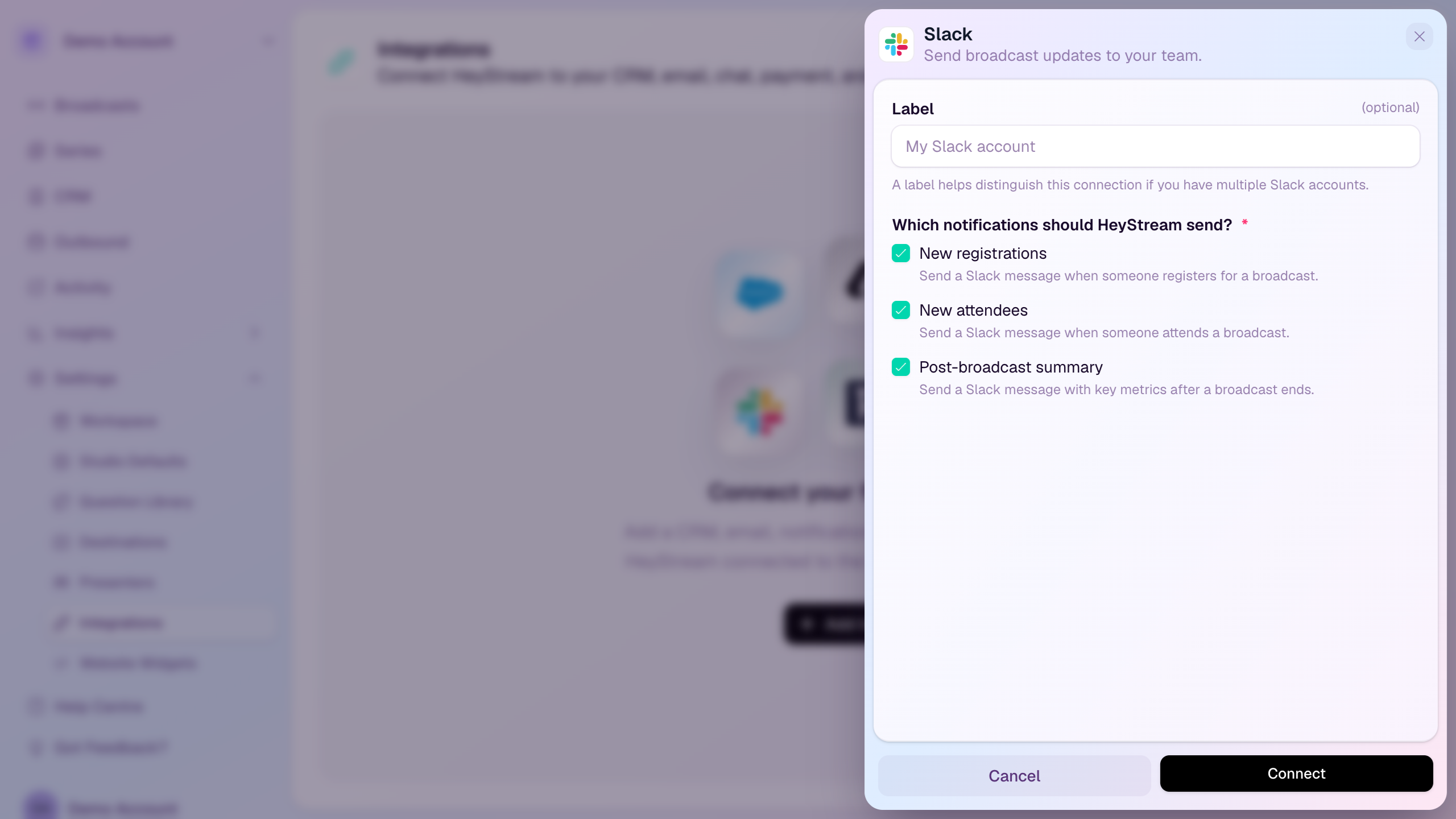
Connect Slack
Open Settings from the workspace sidebar.
Select Integrations.
Select Add Integration.
Choose Notifications.
Select Slack.
Add an optional label for the connection.
Choose which notification types HeyStream should send.
Select Connect and authorize HeyStream in Slack.
Choose the Slack workspace and channel when Slack asks for authorization details.
Notification types
New registrations: sends a message when someone registers for a broadcast.
New attendees: sends a message when someone attends a broadcast.
Post-broadcast summary: sends key metrics after a broadcast ends.
Manage Slack later
Use Manage Integration to change the label or notification selection.
Use Send Test Notification from the integration actions menu to confirm the selected channel is receiving messages.
Reconnect Slack if the channel, workspace, or authorization needs to change.