
Hosted watch pages
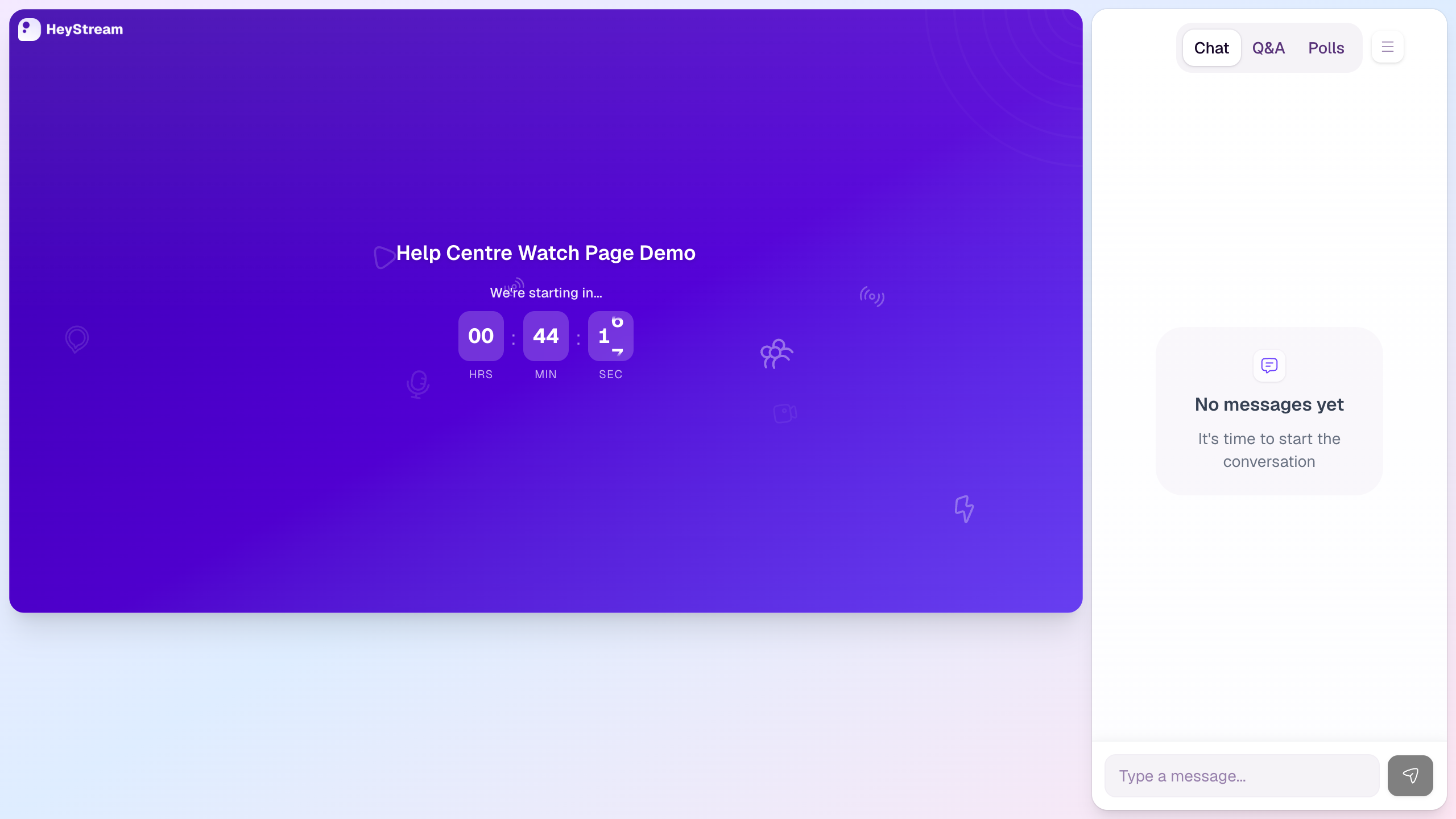
The hosted watch page is where registered attendees watch the broadcast. It gives viewers the stream, chat, Q&A, polls, and any live engagement tools in one attendee-facing experience.
How viewers reach the watch page
Registered attendees open their personal watch link from a confirmation or reminder email.
If someone opens the public watch URL without a valid attendee link, HeyStream asks for their registration email and can send a fresh watch link.
Visitors who have not registered yet can use the registration link from the access page before watching.
What the watch page includes
Stream area: the main broadcast player, including the waiting-room countdown before the stream starts.
Chat: a place for attendees to follow and join the live conversation.
Q&A and polls: attendee interaction tools that can be used during the broadcast.
Viewer actions: live CTAs, reactions, and other engagement tools when they are enabled for the broadcast.
When to share each link
Use the registration page for public promotion when people still need to sign up.
Use authenticated watch links in confirmation and reminder emails for people who have already registered.
Use the public watch URL when an attendee needs to request a fresh watch link for the email address they registered with.
Troubleshooting attendee access
Ask the attendee to use the same email address they registered with.
If the email is registered, HeyStream sends a fresh watch link.
If the attendee has not registered, send them to the registration page first.
Use your own domain
You can use a subdomain you own for your public registration, watch, replay, and calendar links. See Connect a custom domain for DNS setup, activation, and removal steps.