
Registration and watch access troubleshooting
Most registration and watch-access issues come down to the broadcast state, the attendee email address, or the type of link being used. Use this checklist to quickly route people to the right place.
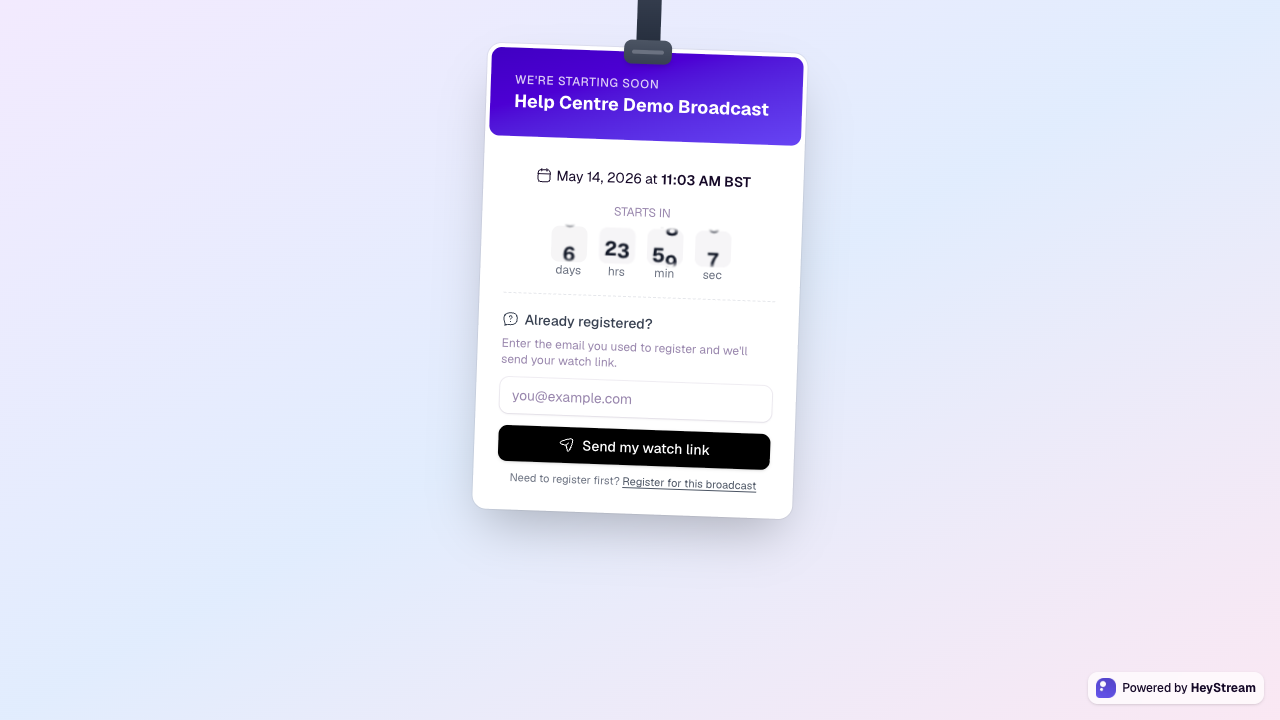
Attendee cannot register
Confirm the broadcast or series still exists and registration is enabled.
Check whether the broadcast belongs to a series. If it does, attendees may need to register for the series instead of the individual broadcast.
Check whether registration has closed because the broadcast has ended or registration-after-end is disabled.
If custom questions are required, make sure the attendee has completed every required field.
Attendee cannot get into the watch page
Ask them to use the same email address they registered with.
If they only have the public watch URL, they can enter their registration email and request a fresh watch link.
If the email is registered, HeyStream sends a new access link. For privacy, the page does not reveal whether an email is registered.
If they never registered, send them to the registration page first.
When to resend or regenerate links
Use confirmation or reminder emails for normal attendee access.
Generate a contact-specific watch URL from CRM when you need to help a specific registered contact.
If a presenter cannot join the studio, send them their presenter invite link again rather than an attendee watch link.